
Firewall policy
Review risky scope, rule quality, logging gaps, and segmentation-impacting access.

Understand what ConfigSentry is, who it is for, and which parts of a FortiGate review it is meant to make clearer and faster.
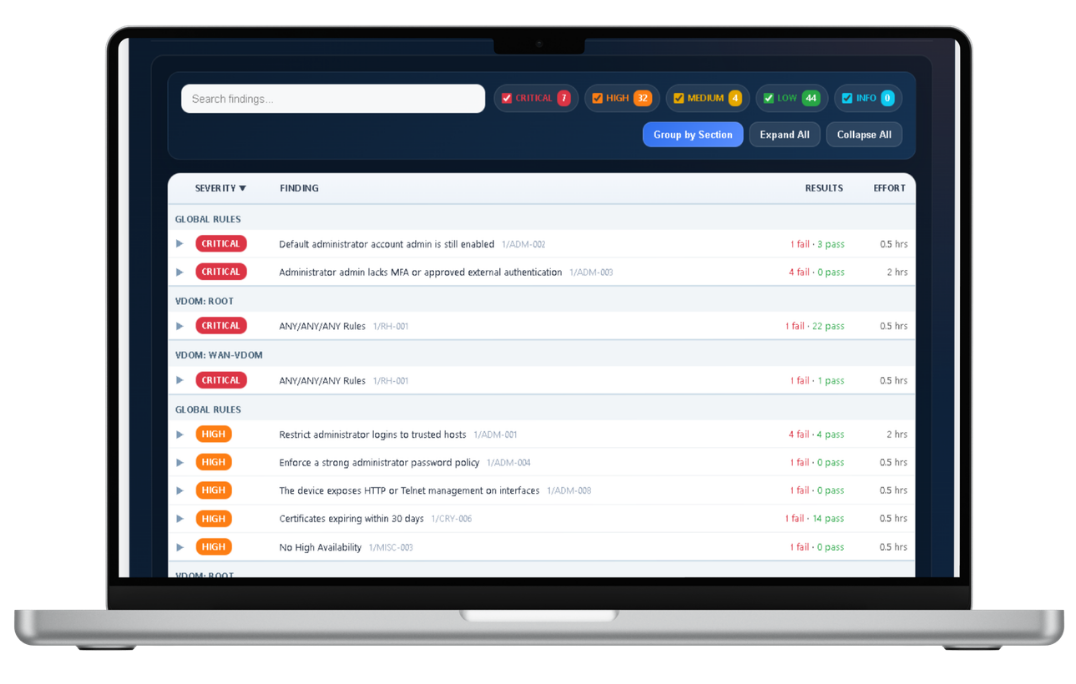
What it is
ConfigSentry is built for teams that need a clearer way to review FortiGate configuration risk without depending on slow manual cross-checking or generic multi-vendor summaries.
It turns a FortiGate configuration into structured findings, remediation context, and report output that can be used by both technical reviewers and business stakeholders.
What it reviews
Review risky scope, rule quality, logging gaps, and segmentation-impacting access.

Expose drift in address objects, service definitions, interfaces, and the relationships around them.

Highlight management access, admin controls, VPN-related controls, and operational drift that change real risk.

Produce engineer and executive views from the same audit run.
Who it is for
ConfigSentry is designed for network and security engineers who need to review FortiGate posture without slow manual comparison.
It also helps consultants, internal reviewers, and buyers judge whether the workflow and report style fit before wider adoption.